Most laptops today come with an SSD.
So it’s easy to assume they’re all fast.
And that storage no longer matters.
That’s not quite true.
Yes, SSDs are dramatically faster than old hard drives. But not all SSDs deliver the same experience — especially when you’re multitasking, editing photos, or just trying to make your laptop feel “snappy” for years.
Let’s simplify it.
What Changed With Modern Laptop Storage
A few years ago, many budget laptops still used HDDs — slow, mechanical drives with spinning disks.
Now, almost everything ships with solid-state storage. That alone is a huge upgrade.
But within SSDs, there are important differences:
- SATA vs NVMe
- PCIe Gen 3 vs Gen 4 (and newer)
- Different controller quality
- Different sustained speeds under load
On paper, they all say “SSD.”
In practice, they don’t behave the same.
SATA vs NVMe: The Real Difference
SATA SSD
- Max speed around 500–550 MB/s
- Still much faster than an HDD
- Common in older or budget laptops
For basic tasks — web browsing, documents, streaming — SATA is fine.
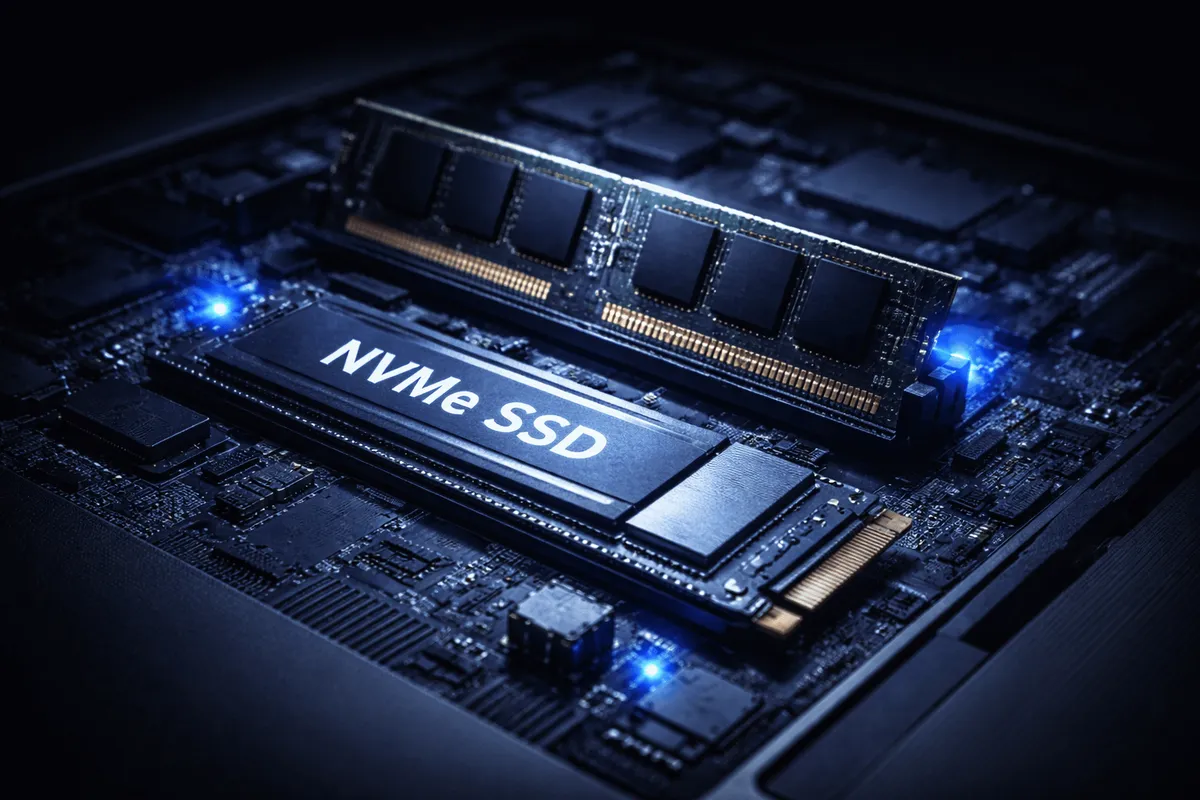
NVMe SSD
- 3,000–7,000+ MB/s (depending on generation)
- Direct connection via PCIe
- Standard in most modern mid-range and premium laptops
This is where laptops start to feel instant.
Apps open faster.
Large files move quicker.
System updates don’t feel painful.
In plain English: NVMe makes everything feel more fluid.
Capacity: 256GB vs 512GB vs 1TB
Speed matters.
But space matters too.
256GB
- Enough for light users
- Fills up quickly after updates + apps
- Leaves little room for photos or videos
512GB
- The sweet spot for most people
- Comfortable breathing room
- Better long-term usability
1TB
- Ideal for creators
- Useful if you store large files locally
- Often overpriced in pre-configured models
Here’s what actually matters:
Running out of storage slows your system down. Even fast SSDs struggle when nearly full.
Buy enough space to avoid living at 90% capacity.
What Actually Makes a Laptop Feel Fast
People assume CPU or RAM is always the main factor.
Storage plays a huge role.
An SSD affects:
- Boot time
- App launch speed
- File search speed
- System responsiveness
- Background update performance
If you’ve ever used an older laptop that “hangs” when opening multiple apps, slow storage is often part of the problem.
That’s why even a mid-range processor with a good NVMe SSD can feel smoother than a powerful chip paired with weak storage.
Balance wins.
What People Don’t Talk About
1. Cheap NVMe Drives Exist
Not all NVMe SSDs are high-end.
Some budget drives throttle under sustained load.
That means:
They start fast — then slow down during large transfers.
You won’t notice this while browsing.
You will notice it during video exports or big file copies.
2. Storage Upgrades Are Limited
Many thin laptops:
- Have soldered storage
- Or only one M.2 slot
You can’t always upgrade later.
Buying too little at checkout often becomes expensive later.
3. Manufacturers Overcharge for Storage
Jumping from 512GB to 1TB can cost far more than the actual component difference.
If upgradeability is possible, sometimes it’s smarter to buy lower and upgrade yourself.
If it’s not — choose wisely upfront.
Who Should Care Most About SSD Type?
An NVMe SSD matters more if you:
- Edit photos or videos
- Work with large Excel or data files
- Run virtual machines
- Install large games
- Multitask heavily
For email, browsing, Netflix, and basic office work?
Almost any modern SSD will feel fast.
For most people, capacity matters more than chasing the absolute highest speed numbers.
Final Thought
All SSDs are better than hard drives.
But not all SSDs are equal.
In plain English:
Get NVMe if possible.
Avoid 256GB if you can.
Don’t overpay for massive storage you won’t use.
Buy balanced, not flashy.
That’s what actually makes a laptop feel fast — not marketing numbers.