
Spending $700 on a laptop feels safe.
Spending $2,000 feels “future-proof.”
And somehow, everything in between feels confusing.
Prices have stretched in both directions. Budget machines are better than ever. Premium machines are more powerful than most people will ever need.
So what’s actually reasonable in 2026?
Let’s simplify it.
What Changed in 2026 (And Why Prices Feel Weird)
Modern laptops are more efficient than they were even three years ago.
Chips like Apple’s M-series and Intel’s latest Core Ultra processors focus heavily on efficiency, not just raw speed. That means better battery life, cooler systems, and smoother everyday performance — even in mid-range models.
At the same time:
- RAM and storage upgrades are still expensive
- Premium displays are more common
- AI features are being bundled into marketing
The result?
You can now get a genuinely good laptop for less than you think.
But you can also overspend very easily.
The 2026 Spending Tiers (Realistically)
Under $600 — Budget Territory
What you get:
- 8GB RAM (sometimes 16GB if lucky)
- Basic SSD storage
- Decent performance for browsing and office work
- Average screens
- Plastic builds
Trade-offs:
- Shorter lifespan
- Limited multitasking headroom
- Weaker battery on some models
This tier works if your expectations are realistic.
Email. Streaming. Documents. Light work.
Nothing heavy.
$700–$1,000 — The Sweet Spot
This is where things get interesting.
What you typically get:
- 16GB RAM becoming standard
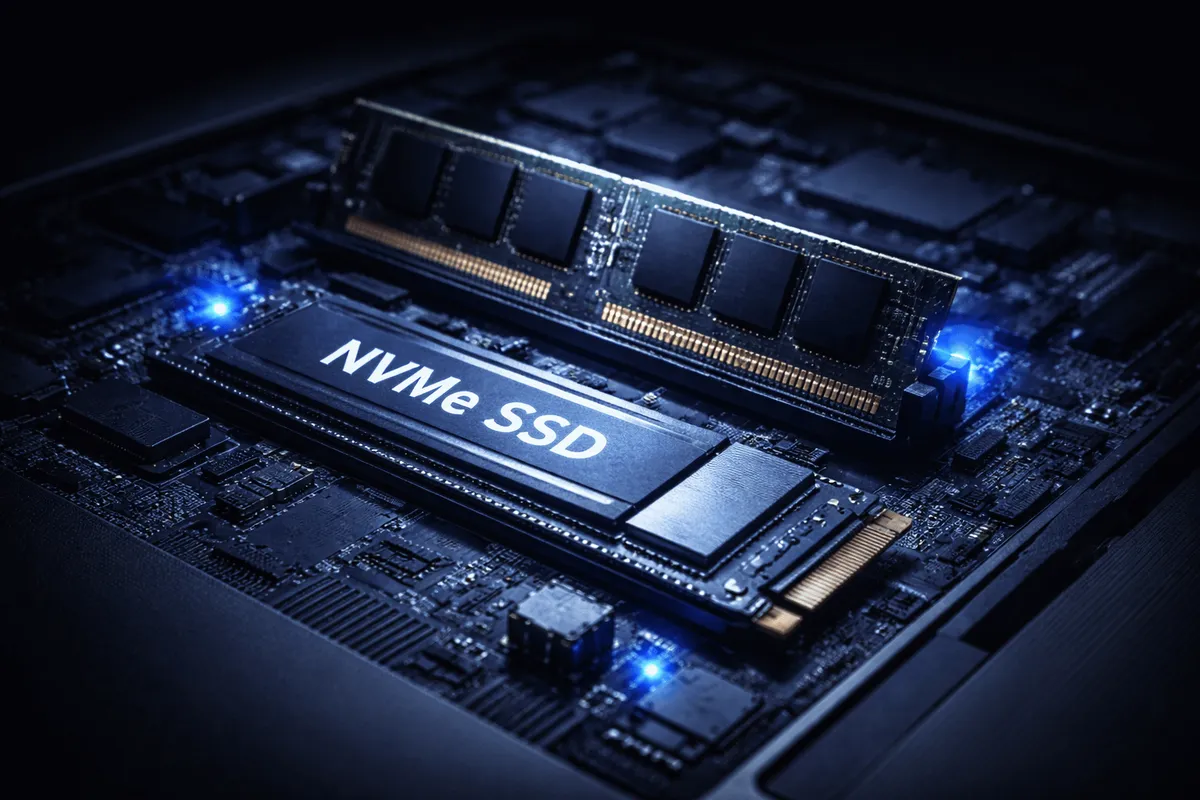
- Fast NVMe SSD
- Solid mid-range processor
- Good display (often 100% sRGB)
- Much better battery life
This is the “balanced” tier.
For most people:
- Remote work
- University
- Light editing
- Dozens of browser tabs
- Occasional creative tasks
This range feels fast without feeling excessive.
In 2026, this is where value lives.
$1,200–$1,800 — Premium, But Sensible
Here you’re paying for:
- Brighter, higher-resolution displays
- Better speakers
- Lighter materials (aluminum, magnesium)
- Larger batteries
- Higher-end chips
Performance improves — but not always in ways you feel daily.
You’re paying for polish.
If you work on your laptop every day for hours, this tier makes sense.
If you open it twice a week, it probably doesn’t.
$2,000+ — Specialized Power
At this level, you’re buying:
- 32GB+ RAM
- High-end GPUs
- Advanced cooling
- Professional displays
This is not about browsing.
This is:
- 4K video editing
- Large codebases
- 3D rendering
- Heavy creative workloads
For normal productivity?
It’s overkill.
What Most People Get Wrong
1. Buying for Fear
“I don’t want it to be slow in 4 years.”
Understandable.
But spending double doesn’t automatically double lifespan.
Balanced specs age better than extreme specs.
2. Overvaluing the Processor
For office work, mid-range chips are already very fast.
RAM and storage often matter more for smoothness.
3. Ignoring Display Quality
You stare at the screen all day.
A better display impacts your experience more than a slightly faster CPU.
So… How Much Should You Spend?
Here’s the calm answer:
- Casual use → $600–$800
- Daily work / multitasking → $800–$1,200
- Creative or technical work → $1,200–$1,800
- Professional heavy workloads → $2,000+
For most people in 2026, $900–$1,100 is the smart range.
Not cheap.
Not extreme.
Balanced.

What People Don’t Talk About
- Storage upgrades are still overpriced.
- Many premium models throttle under heavy load.
- Thin designs sacrifice repairability.
- High-end specs lose value faster than mid-range machines.
Spending more doesn’t guarantee smarter buying.
It often guarantees nicer materials and diminishing returns.
Final Thought
Here’s what actually matters:
Buy for your real usage — not your imagined future self.
In plain English:
If your laptop is for documents, meetings, and web work, you don’t need a $2,000 machine.
Buy balanced, not flashy.
That’s how you spend the right amount in 2026.