How to Choose a Laptop Without Overpaying in 2026
(Page Title – outside content)
How to Choose a Laptop Without Overpaying in 2026
⸻
(Quill content starts here — no h1)
Buying a laptop shouldn’t feel complicated.
But it often does.
There are too many models, too many configurations, and too many opinions about what you “need.”
Most people don’t need the most powerful machine.
They need something reliable.
Let’s simplify it.
⸻
Start With What You Actually Do
Before looking at specs, pause.
What does your laptop do every day?
For many people, it’s browsing, email, documents, streaming, maybe some light multitasking. Others write code. Some edit photos or short videos. A smaller group pushes hardware hard.
The right laptop depends on that answer — not on benchmark charts.
Here’s what actually matters: match the machine to your real workload.
⸻
Modern Processors: Powerful Enough for Most People
In 2026, even mid-range processors are strong.
Current platforms include:
• Intel Core Ultra
• AMD Ryzen 7000/8000 mobile
• Apple Silicon (M-series)
Independent testing from NotebookCheck consistently shows that newer mid-tier chips outperform older “flagship” ones while using less power.
That’s a good thing.
It means you don’t need to chase the highest model number.
⸻
RAM in 2026: Why 16GB Is Becoming the Baseline
Memory pricing has been unstable in recent years. Industry analysis from TrendForce highlights how global demand — especially from AI infrastructure — influences RAM pricing cycles.
What does that mean for you?
8GB still works.
But it’s tight.
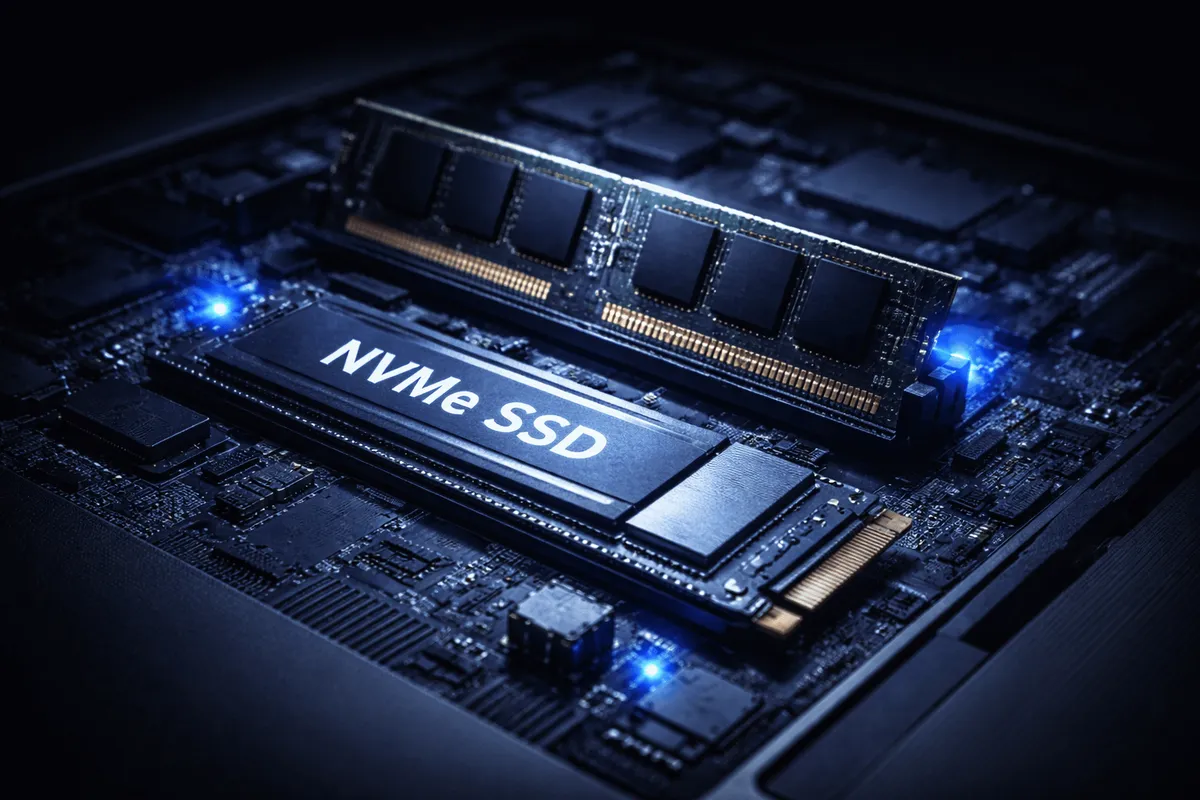
16GB feels comfortable. It won’t make your laptop magically faster, but it will keep it from slowing down as browsers and apps get heavier.
If you’re buying a MacBook, remember: memory is unified and not upgradeable later.
That decision is permanent.
On many Windows laptops, RAM can still be upgraded. That flexibility can matter.
⸻
The Newest MacBooks: Air vs Pro (For Regular Buyers)
<IMAGES>
Apple’s latest MacBooks continue to refine the Air and Pro lines. You can review the current lineup directly on Apple’s official website.
For regular consumers, the difference is simpler than it looks.
MacBook Air — Who It’s For
• Students
• Remote workers
• Writers
• Office and productivity users
• Light developers
It’s thin.
It’s quiet.
It lasts all day.
For most everyday tasks, the Air is more than enough.
MacBook Pro — When It Makes Sense
• Heavy video editing
• 3D work
• Large codebases
• Long sustained workloads
The Pro has better cooling, more sustained performance, and often a brighter display with additional features.
Here’s the trade-off:
If your work pushes the CPU for hours at a time, the Pro is worth it.
If it doesn’t, you’re paying for performance you may never use.
That’s the honest difference.
⸻
Storage: A Practical Decision
A 512GB SSD is a safe baseline.
1TB makes sense if you store large media files.
Storage impacts responsiveness more than people realize. It’s not flashy, but it matters.
Don’t go too small just to save a little upfront.
⸻
Displays: Comfort Over Numbers
Most buyers compare processor names.
Few compare screens.
You stare at the display every day. A better panel improves comfort more than a small CPU upgrade.
Look for:
• Full HD minimum
• 300+ nits brightness
• IPS or OLED panels
Professional analysis from Rtings often reveals brightness and contrast differences that spec sheets don’t show clearly.
This is one of those details that doesn’t sound exciting — but you feel it daily.
⸻
Battery Life: Read Real Reviews
Manufacturers quote “up to” battery numbers.
Real-world testing is more reliable.
Apple Silicon machines remain very efficient. Many AMD ultrabooks are competitive too.
Battery life matters.
A lot.
Especially if you work away from a desk.
⸻
Common Buying Mistakes
Most overspending happens here.
• Buying gaming laptops for office work
• Paying for 32GB RAM “just in case”
• Choosing ultra-thin laptops that throttle under load
• Ignoring upgrade limitations
For most people, a modern mid-range processor with 16GB RAM is enough.
Unless you’re editing video daily — then it’s a different story.
That nuance builds trust.
⸻
Final Thoughts
You don’t need the most powerful laptop.
You need one that feels fast, stays cool, and doesn’t become frustrating in a year.
Focus on:
• Modern processor generation
• 16GB RAM if budget allows
• Good display
• Real-world battery performance
In plain English: buy balanced, not flashy.
That approach tends to age well.