
Remote work isn’t temporary anymore.
For many people, your laptop is your office.
And the best laptop for working from home in 2026 isn’t the most powerful one on the shelf.
It’s the one that feels invisible during your day.
No lag in meetings.
No fan noise during spreadsheets.
No tab reloads while you’re presenting.
Let’s simplify it.
What Working From Home Actually Requires
A work from home laptop in 2026 handles:
- Daily video calls (Zoom, Teams, Meet)
- 20–40 browser tabs open
- Google Docs or Microsoft Office
- Slack running constantly
- Cloud sync in the background
- Occasional Canva, Figma, or light editing
This isn’t a gaming workload.
It’s sustained multitasking.
That’s why memory matters more than flashy specs. If you’re unsure why 16GB is often recommended, read our breakdown of What 16GB RAM Actually Means for Everyday Use — it explains the real-world difference.
For most remote workers, stability beats raw speed.
The Ideal Configuration in 2026
Here’s what makes a laptop truly “best” for remote work this year.
Processor
You don’t need a workstation-class CPU.
A modern mid-range chip is ideal:
- Apple M-series base models
- Intel Core Ultra 5 or 7
- AMD Ryzen 5 or 7 (latest generation)
These handle video calls, heavy browsing, and multitasking effortlessly.
What you’re paying for here is efficiency and consistency — not peak benchmark scores.
RAM
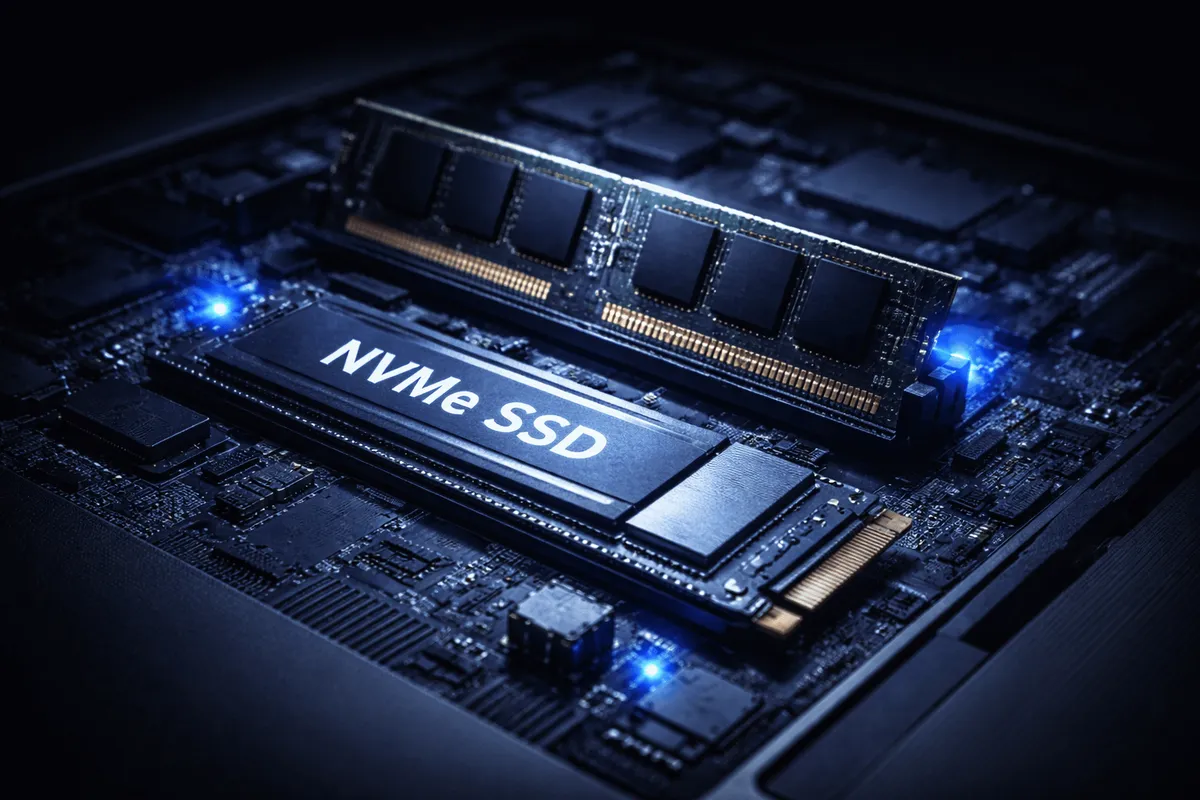
16GB is the practical baseline for a home office laptop in 2026.
It prevents:
- Browser tab reloads
- System slowdowns during meetings
- Swap memory overuse
8GB still works — but it feels tight long-term.
If you want deeper clarity on this decision, our 16GB guide walks through it in detail.
Buy balanced, not flashy.
Storage
512GB SSD is the comfortable middle ground.
256GB fills faster than people expect once you add:
- Work files
- Offline sync folders
- Apps
- System updates
SSD speed also makes everyday use feel instant. If you want the broader picture of how storage affects performance, that’s covered in our complete Laptop Buying Guide.
Display
You stare at this for hours.
Prioritize:
- 13.3”–14” for portability
- 15” if you prefer larger text and spreadsheets
- 400+ nits brightness
- Good color consistency
- Matte or low-reflection coating
High refresh rate is optional.
Comfort is not.
Battery
Even at home, you move.
Desk. Couch. Kitchen. Coffee shop.
A laptop for remote work should realistically deliver 10–15 hours of mixed usage.
Below 8 hours starts feeling restrictive.
Webcam & Microphone
Underrated.
If you’re in meetings daily, a poor webcam makes you look unprofessional — regardless of your CPU.
Look for:
- 1080p webcam
- Good low-light handling
- Decent microphone clarity
This matters more than an extra 200 MHz of processing power.
Noise Level
Quiet cooling is part of productivity.
Fan noise during meetings is distracting.
For most office workloads, a well-optimized ultrabook or business-class laptop remains nearly silent.
That’s what you want.
MacBook vs Windows for Remote Work
Both can be excellent home office laptops.
MacBooks:
- Excellent battery efficiency
- Strong build quality
- Consistent performance
Windows ultrabooks:
- More hardware variety
- Often better port selection
- Wider price range
For remote work specifically, the difference isn’t about power.
It’s about ecosystem preference.
If you’re comparing models like Air vs Pro, the real distinction often comes down to sustained performance — not everyday tasks.
Neutral truth:
For emails, meetings, and multitasking, both platforms are more than capable.
Common Mistakes When Buying a Home Office Laptop
This is where people overspend.
1. Buying a Gaming Laptop for Office Work
Heavier.
Louder.
Shorter battery life.
Unnecessary for remote productivity.
2. Overpaying for a Dedicated GPU
Unless you edit video or design in 3D regularly, you don’t need one.
Integrated graphics are more than enough for office tasks.
3. Choosing 8GB to Save Money
It works today.
It may feel cramped in two years.
That’s the difference.
4. Ignoring the Keyboard and Webcam
Spec sheets don’t show typing comfort.
Reviews matter here.
If you want a structured checklist of buying traps to avoid, our guide on common laptop buying mistakes breaks it down clearly.
Who Should Spend More?
Some remote workers genuinely need more power.
Consider upgrading if you:
- Compile large codebases daily
- Edit 4K video frequently
- Work with massive Excel models
- Handle large RAW photo batches
- Run virtual machines
If you export 4K video daily — that’s different.
If your workload is mostly documents, calls, and browsing — it isn’t.
Nuance matters.
Final Recommendation
Here’s what actually makes the best laptop for working from home in 2026:
- Modern mid-range processor
- 16GB RAM
- 512GB SSD
- Bright, comfortable display
- Quiet cooling
- Reliable webcam
In plain English:
A good work from home laptop doesn’t feel powerful.
It feels stable.
It doesn’t get in your way.
It doesn’t feel stressed.
It doesn’t make you think about specs mid-meeting.
Balanced, not flashy.
That’s the real definition of “best.”